Checklists created manually
You can manually create checklists directly from the InField home page. This is useful for keeping track of your own to-dos.
Step 1: Create new checklist
- Click Plus (+) next to Checklists to open Create new checklist.
- Enter a title and select a state (optional).
- Click Next.
Step 2: Add tasks
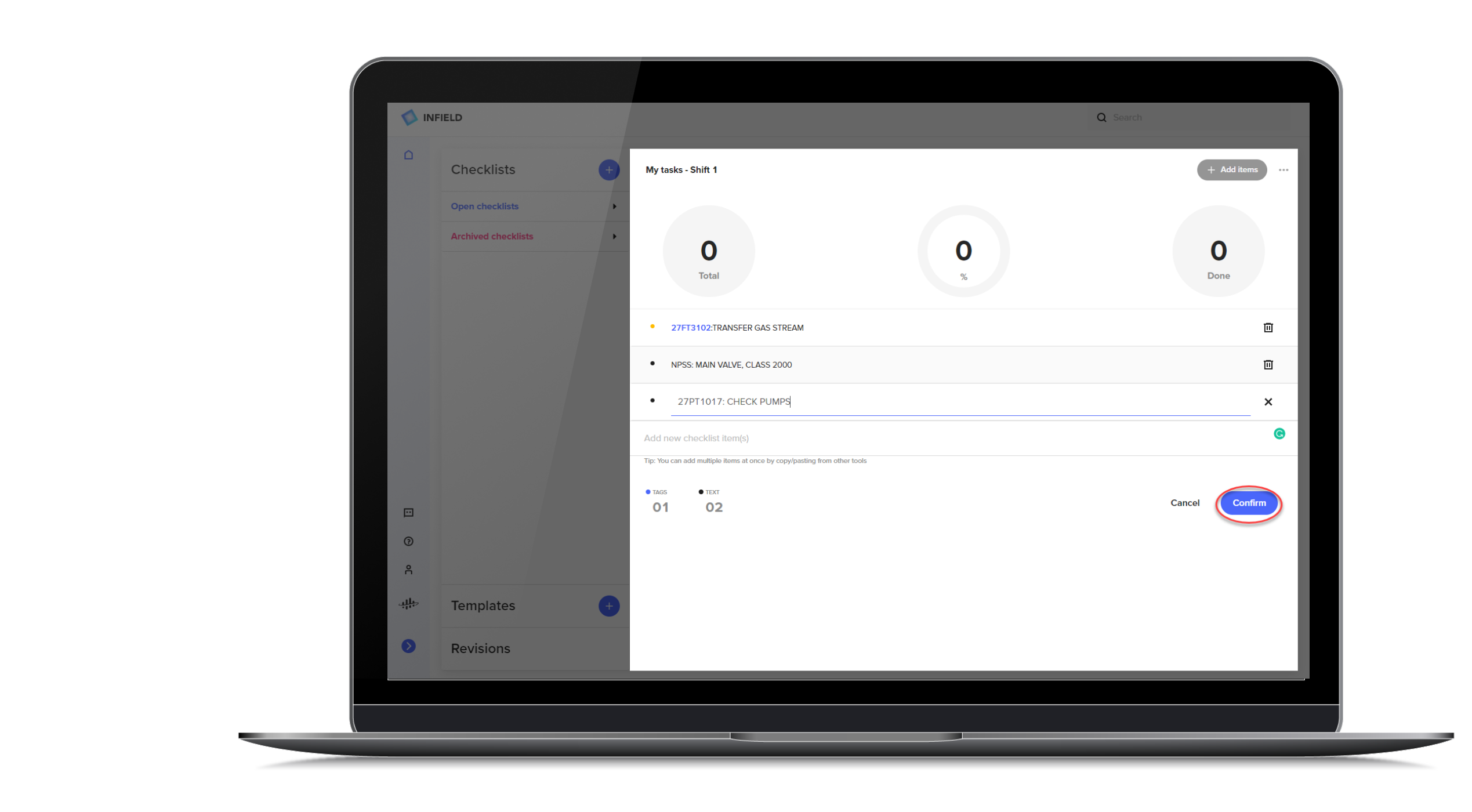
- Type or copy new checklist items. Each item can be text or tag IDs. Press Enter to confirm.
- Click a row in the list to edit an item.
- Click Confirm when all items are added.